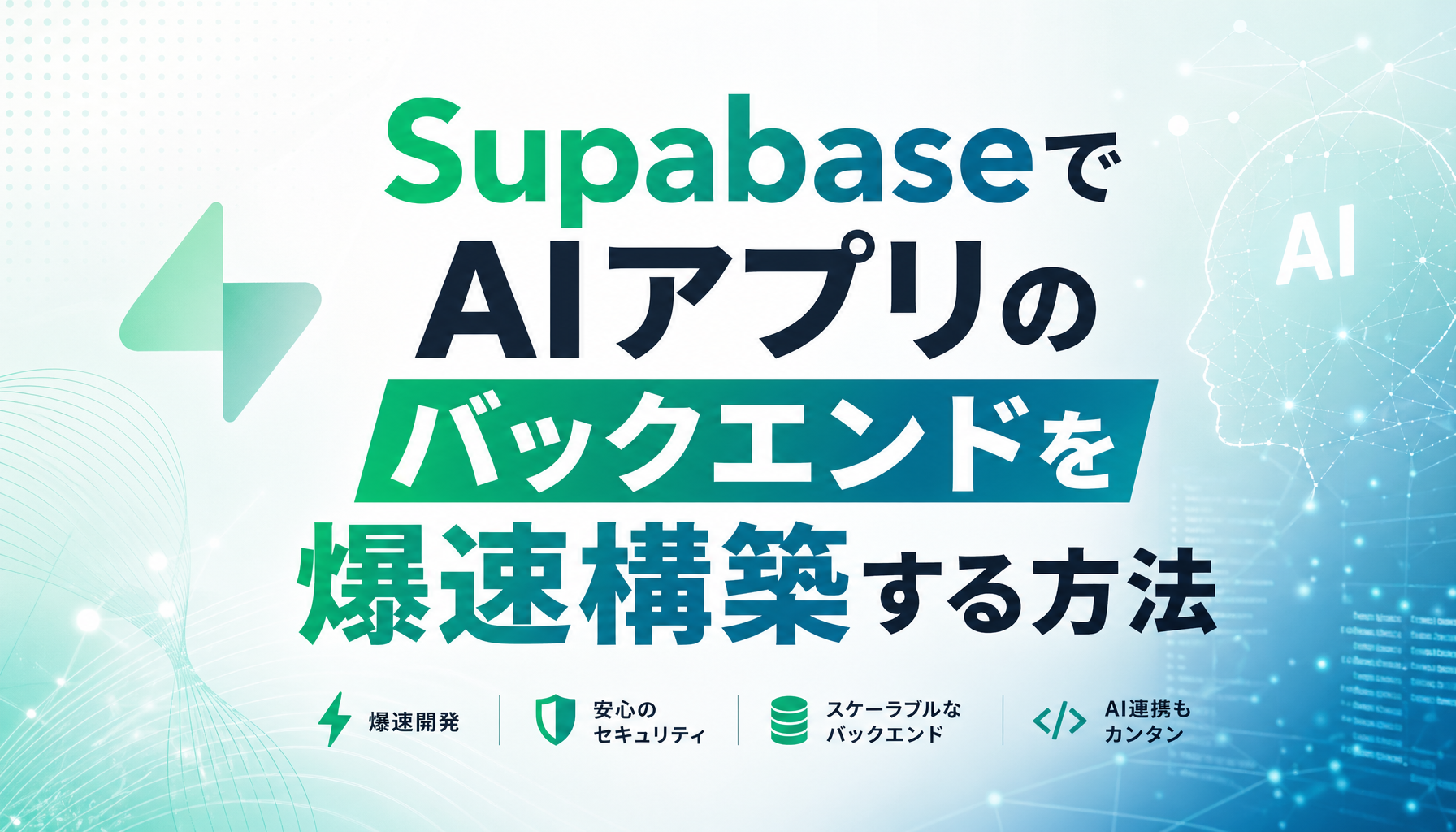
Tired of spending weeks building backends for AI applications? With Supabase, you can construct everything an AI app needs — database, authentication, APIs, realtime communication, and vector search — all on a Postgres foundation. This article explains exactly how to leverage Supabase as your AI app backend.
Why Supabase Is Ideal for AI Backends
Supabase is an open-source BaaS built around "The Postgres Development Platform." Here's why it's particularly powerful for AI app development:
- pgvector for vector search: Semantic search and RAG (Retrieval-Augmented Generation) handled entirely within Postgres
- Edge Functions: Deno-based serverless functions running at the edge, capable of AI model inference
- Realtime: Handles 10,000+ concurrent connections for live-streaming AI responses
- Auth & RLS: Row Level Security automatically controls per-user data access
- Instant API generation: REST and GraphQL APIs auto-generated from your tables
The core philosophy is that "the best vector database is the database you already have." No need for a separate vector DB — just add AI capabilities to your existing Postgres infrastructure.
Implementing AI Inference with Edge Functions

Supabase Edge Functions are TypeScript (Deno) serverless functions distributed globally at the edge, making them ideal for low-latency AI processing.
Built-in AI Model
Edge Functions include a built-in gte-small model for generating text embeddings without external API calls:
const model = new Supabase.ai.Session('gte-small');
const embeddings = await model.run('Hello world', {
  mean_pool: true,
  normalize: true,
});
External LLM API Integration
You can also call APIs from OpenAI, Anthropic, Google Gemini, and more from within Edge Functions. Streaming responses are fully supported for ChatGPT-like realtime interaction:
import OpenAI from 'jsr:@openai/openai';

const openai = new OpenAI({
  apiKey: Deno.env.get('OPENAI_API_KEY'),
});

Deno.serve(async (req) => {
  const { message } = await req.json();
  const stream = await openai.chat.completions.create({
    model: 'gpt-4o',
    messages: [{ role: 'user', content: message }],
    stream: true,
  });
  // Return streaming response
});
Building Semantic Search with pgvector
The core of any AI app — semantic search — can be built in just a few steps with Supabase.
Step 1: Enable Extensions
CREATE EXTENSION IF NOT EXISTS vector WITH SCHEMA extensions;
CREATE EXTENSION IF NOT EXISTS pgmq;
CREATE EXTENSION IF NOT EXISTS pg_net WITH SCHEMA extensions;
Step 2: Create a Table with Vector Columns
CREATE TABLE documents (
  id INTEGER PRIMARY KEY GENERATED ALWAYS AS IDENTITY,
  title TEXT NOT NULL,
  content TEXT NOT NULL,
  embedding HALFVEC(1536),
  created_at TIMESTAMPTZ DEFAULT NOW()
);

CREATE INDEX ON documents
  USING hnsw (embedding halfvec_cosine_ops);
Using halfvec(1536) cuts storage in half compared to regular vector while remaining compatible with OpenAI's text-embedding-3-small model. The HNSW index enables fast cosine similarity searches.
Step 3: Automatic Embedding Generation
Supabase truly shines with its automatic embedding pipeline combining database triggers and Edge Functions. When records are inserted or updated, triggers add jobs to a pgmq queue, and pg_cron periodically invokes Edge Functions to generate embeddings.
- pgmq: Job queue management with built-in retry capability
- pg_net: Asynchronous HTTP requests from Postgres to Edge Functions
- pg_cron: Batch processing scheduled at 10-second intervals
- Database triggers: Detect content changes and auto-queue embedding jobs
This means embeddings stay automatically synchronized with your data — no application code changes needed.
Making AI "Think" in Realtime

Supabase's Realtime features let you show AI processing status to users as it happens:
- Status updates: Display real-time progress ("Analyzing..." → "Generating response..." → "Complete")
- Collaborative sessions: Multiple users share the same AI session and view responses simultaneously
- Background job monitoring: Detect job completion via Realtime table subscriptions
With support for 10,000+ concurrent connections, it scales confidently for large AI services.
Putting It Together: Building a RAG Chatbot
Combining all these elements, here's the flow for building a RAG (Retrieval-Augmented Generation) chatbot:
- Document ingestion: Save documents to a Supabase table → triggers auto-generate embeddings
- Process user questions: Edge Function converts question text into an embedding
- Retrieve similar documents: pgvector cosine similarity returns top-k results
- Generate LLM response: Send retrieved documents as context to the LLM API
- Deliver results: Stream the response via Realtime
This entire flow completes within the Supabase ecosystem. No separate vector database, queue service, or WebSocket server required.
Conclusion
Supabase unifies everything an AI app backend needs into a single Postgres-based platform: inference via Edge Functions, semantic search with pgvector, automatic embedding pipelines, and streaming delivery through Realtime. What used to take weeks of stitching together multiple services can now be accomplished in hours to days. If you have an AI app idea, start with Supabase — you'll be amazed at how quickly you can build a production-grade backend.