
"I want to work more efficiently" — for every business professional who thinks this, Notion AI is a powerful ally. Understanding the full context of your workspace, it supports everything from document creation to data analysis and task automation. Here are practical techniques to get the most out of Notion AI.
What Notion AI Can Do
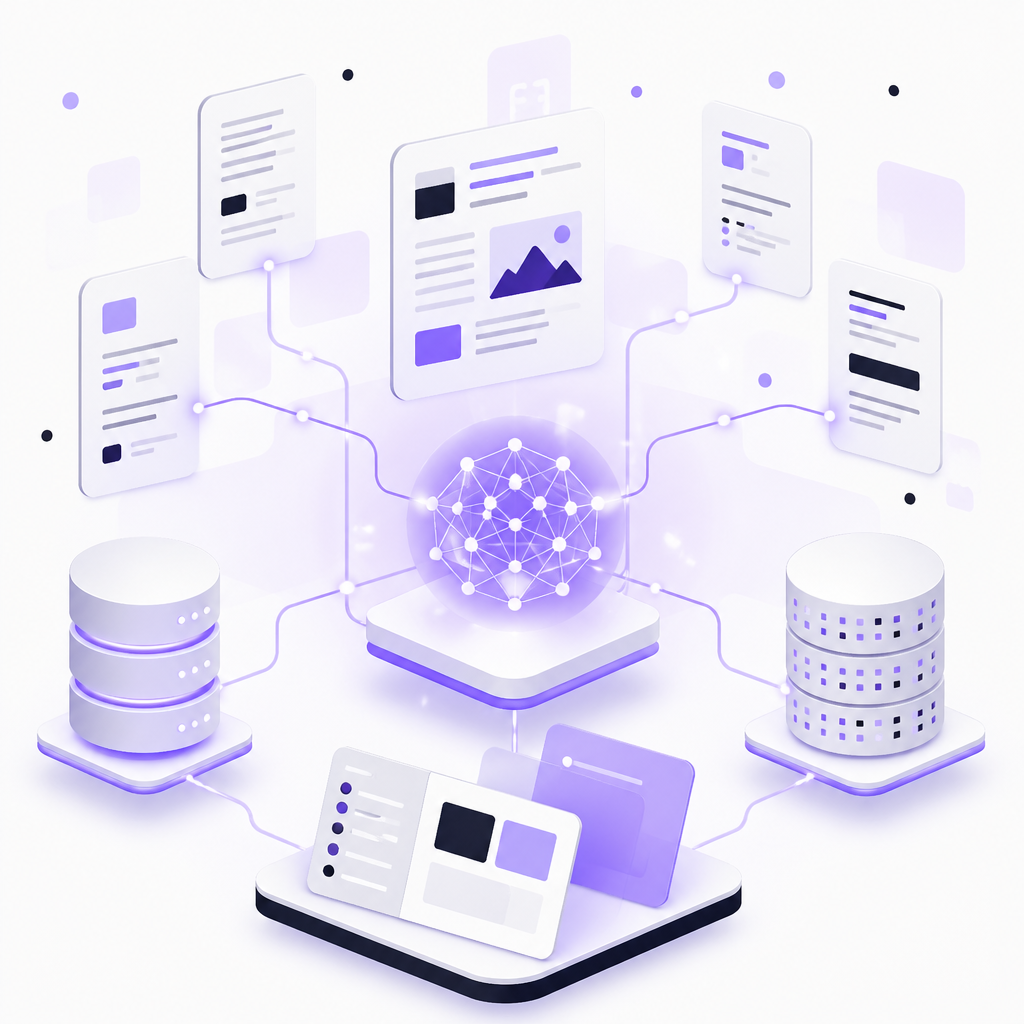
Notion AI is not just a chatbot. It is a context-aware AI assistant that understands your workspace pages, databases, projects, and connected app data to deliver precise outputs. Key features include:
- AI Writing: Auto-generate blog drafts, emails, project briefs, and meeting notes. Also handles grammar correction, tone adjustment, and summarization of existing text.
- Q&A Feature: Ask questions like "What were the action items from last week's product meeting?" and it pulls answers from your workspace documents.
- Database Autofill: AI automatically populates properties like summaries and categories, dramatically reducing manual data organization work.
- AI Meeting Notes: Automatically transcribes and summarizes Zoom, Google Meet, and Teams meetings, extracting key decisions and next steps.
Notion Agents: The Era of AI That Executes

The Notion Agent, introduced with Notion 3.0 in September 2025, transformed the concept of productivity tools. From "AI that suggests" to "AI that executes" — give it a complex goal and it works autonomously for up to 20 minutes, completing multi-step tasks.
Set up Custom Agents to automate recurring workflows 24/7. From handling Slack inquiries to updating project progress and triaging feedback, you can delegate routine team operations to agents.
Practical Techniques by Team

Content and Marketing Teams
- Start with blog outline generation, then quickly create first drafts
- Repurpose existing content for social media posts and newsletters
- Summarize customer research data and extract insights
Product and Engineering Teams
- Auto-generate PRDs (Product Requirements Documents) from bullet-point notes
- Extract requirements from stakeholder feedback threads
- Auto-summarize sprint notes to improve retrospective efficiency
Operations and Administration
- Streamline SOP (Standard Operating Procedure) creation and updates with AI
- Strengthen global team collaboration through multi-language document translation
- Automate onboarding task routing with agents
Five Tips to Maximize Productivity
- Write specific prompts: Instead of "write a blog," say "create a first draft of a 500-word blog explaining SEO basics for marketers in their 20s." Specify goals, target audience, tone, and length.
- Embed AI blocks in templates: Add /summarize and /action items blocks to database templates so AI processing runs automatically when creating new pages.
- Leverage Enterprise Search: Search across connected apps like Slack, Google Drive, and GitHub without switching tools for instant access to needed information.
- Iterate on prompts: Don't expect perfect output on the first try. Refine incrementally with follow-up instructions like "make it more casual" or "add specific examples."
- Don't forget backups: Agents may make large-scale changes to databases. Protect critical data with independent backups.
Pricing Plans and How to Choose
Notion AI is available for trial on the free plan, but the Business plan or higher is recommended for serious use. It includes Notion Agent, Custom Agents, AI Meeting Notes, and Enterprise Search, along with SAML SSO and advanced permission management. Custom Agents are free through May 2026, after which credit-based billing will apply.
Conclusion
Notion AI covers far more than just document creation efficiency — it enables decision support using your entire workspace knowledge and task automation. With the introduction of Notion Agents, we have entered the phase where AI acts on its own rather than just responding to instructions. Start by introducing it to your daily routine tasks, gradually improving prompt quality, and you will certainly experience tangible productivity gains.