
AI image generation is evolving rapidly, with business applications becoming mainstream. OpenAI's GPT image generation models have progressed from gpt-image-1 to gpt-image-2, achieving production-quality results with dramatically improved text rendering accuracy and native 2K resolution support. This guide covers everything from prompt writing techniques to concrete business applications.
The GPT Image Generation Landscape
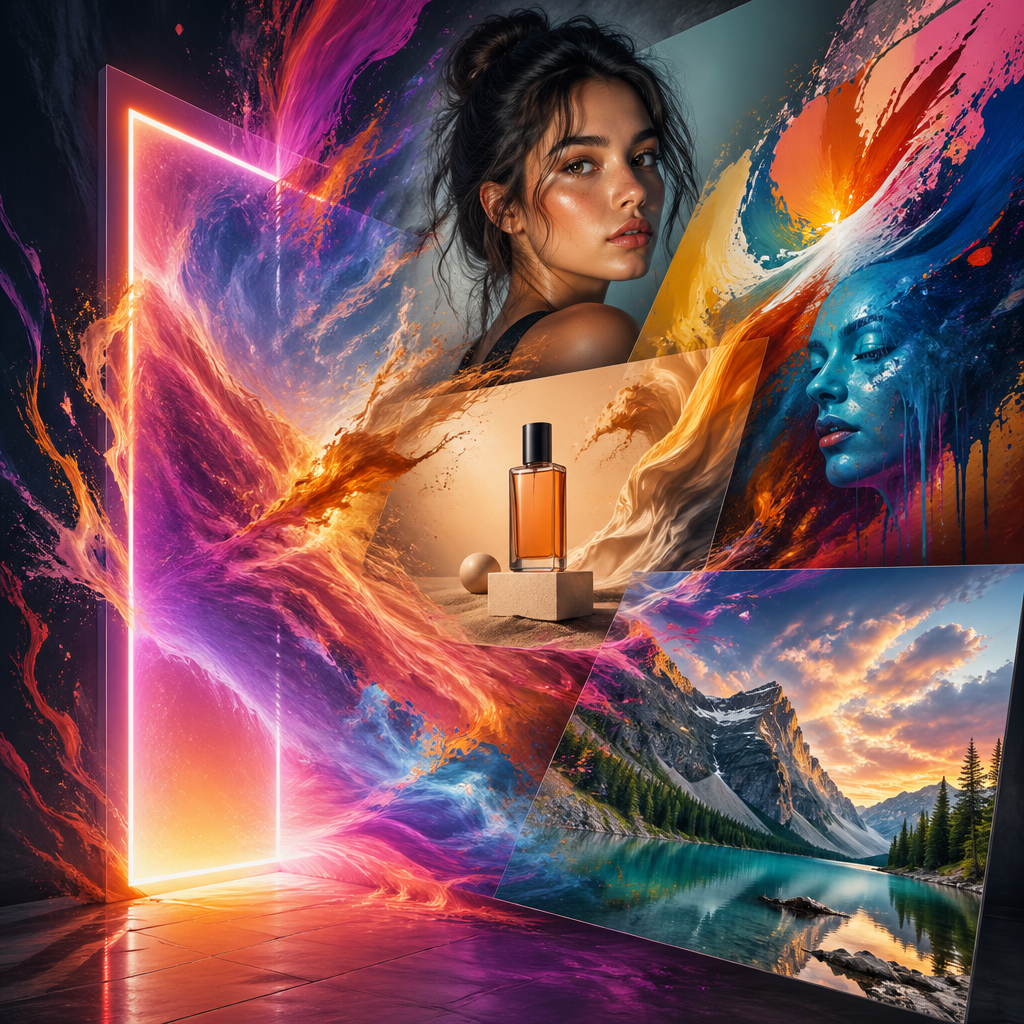
As of April 2026, OpenAI's image generation lineup consists of:
- gpt-image-2: The latest flagship model. Native 2K resolution with 4K upscaling support. Text rendering accuracy exceeds 95% across Latin, Japanese, Chinese, Korean, and Arabic scripts.
- gpt-image-1.5: Previous generation model. Available for backward compatibility, but migration to gpt-image-2 is recommended for new projects.
- gpt-image-1-mini: Designed for cost-sensitive batch processing and rapid prototyping where throughput takes priority.
Unlike the earlier DALL-E 3, GPT image generation models integrate GPT's reasoning capabilities into image creation, handling complex contextual instructions beyond simple keyword matching.
How to Write Effective Prompts
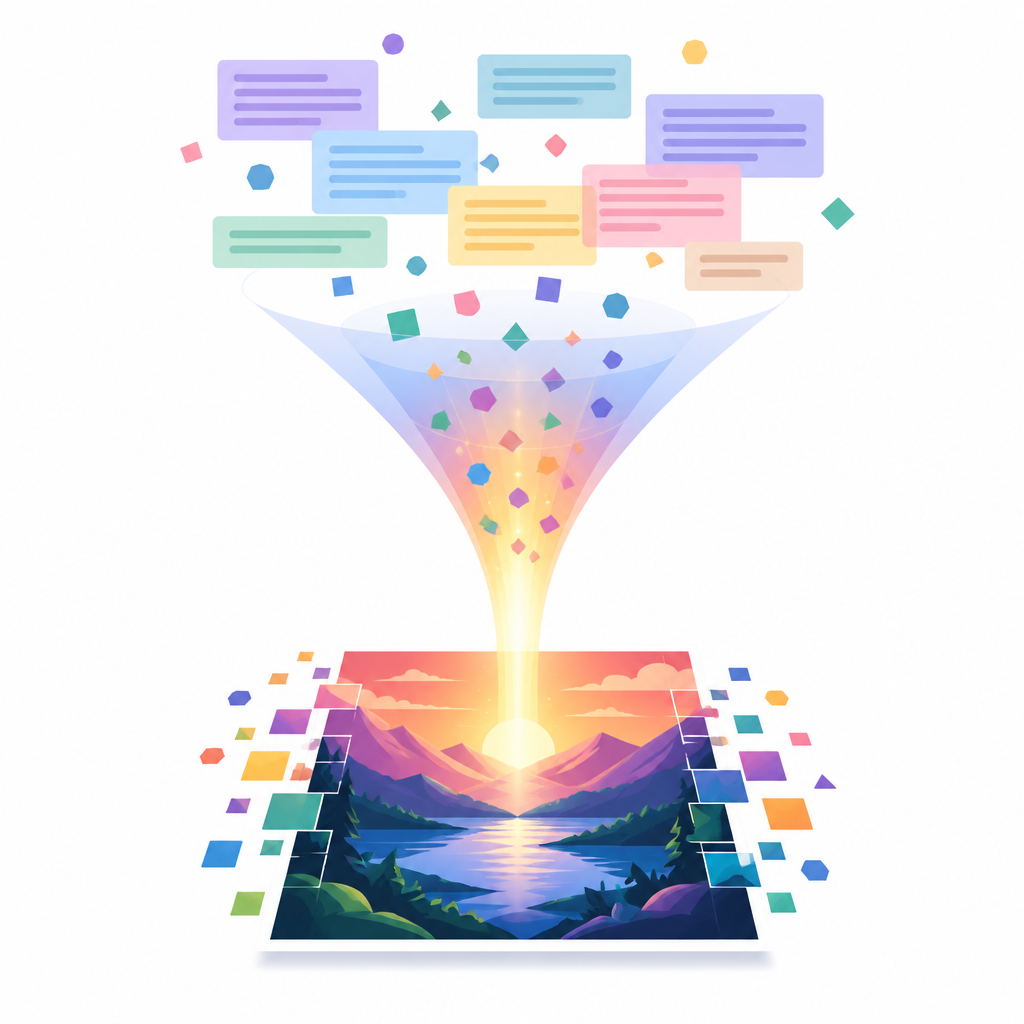
The key to high-quality image generation lies in prompt design. Follow this structure:
Basic Structure
Write in this order: style/medium, subject, environment/background, lighting, composition, technical specifications. Concentrating critical information in the first 50 words improves model comprehension.
Practical Techniques
- Write naturally: Natural sentences are recommended over keyword lists. Describe scenes like "a woman reading at a cafe during sunset."
- Specify materials and textures: Use explicit visual descriptors like "photorealistic," "watercolor style," or "golden hour lighting."
- Quote text insertions: When adding text to images, enclose exact copy in quotation marks or ALL CAPS, and specify font and size.
- Use negative constraints: Explicitly stating unwanted elements like "no people" or "no text" improves accuracy.
Quality Settings and Cost Optimization
gpt-image-2 offers three quality tiers: low, medium, and high. For bulk generation and prototyping, low quality often suffices, significantly reducing latency and costs. Use high quality for customer-facing marketing materials and text-dense infographics.
Business Use Cases

- Marketing Materials: Ad banners, social media images, and posters. Leverage accurate text rendering to generate copy-inclusive assets in one shot.
- E-commerce Product Images: Background replacement and virtual try-on through natural language editing reduce product photography costs.
- UI Mockups: Quickly visualize rough app screens and web designs. iOS-style UI elements are reproduced with high accuracy.
- Educational Content: Auto-generate diagrams and infographics by specifying target audience and learning objectives. High quality ensures readable dense information.
Comparison with Competitors
While Midjourney V8 excels at artistic style control, GPT Image 2 leads in text rendering and reasoning-based image generation. For posters and marketing materials containing text, GPT Image 2 is currently the most reliable choice. However, generation speed of 30-60 seconds is slower than Midjourney, and fine-grained style control remains less flexible.
Conclusion
GPT image generation is a tool that delivers immediate value across diverse business scenarios — if you master prompt design. With improved text accuracy and integrated reasoning capabilities, it has evolved from a novelty "AI art toy" into a production-grade creative partner. Start by experimenting with quality settings suited to your use case, then iterate on prompts to extract maximum value.